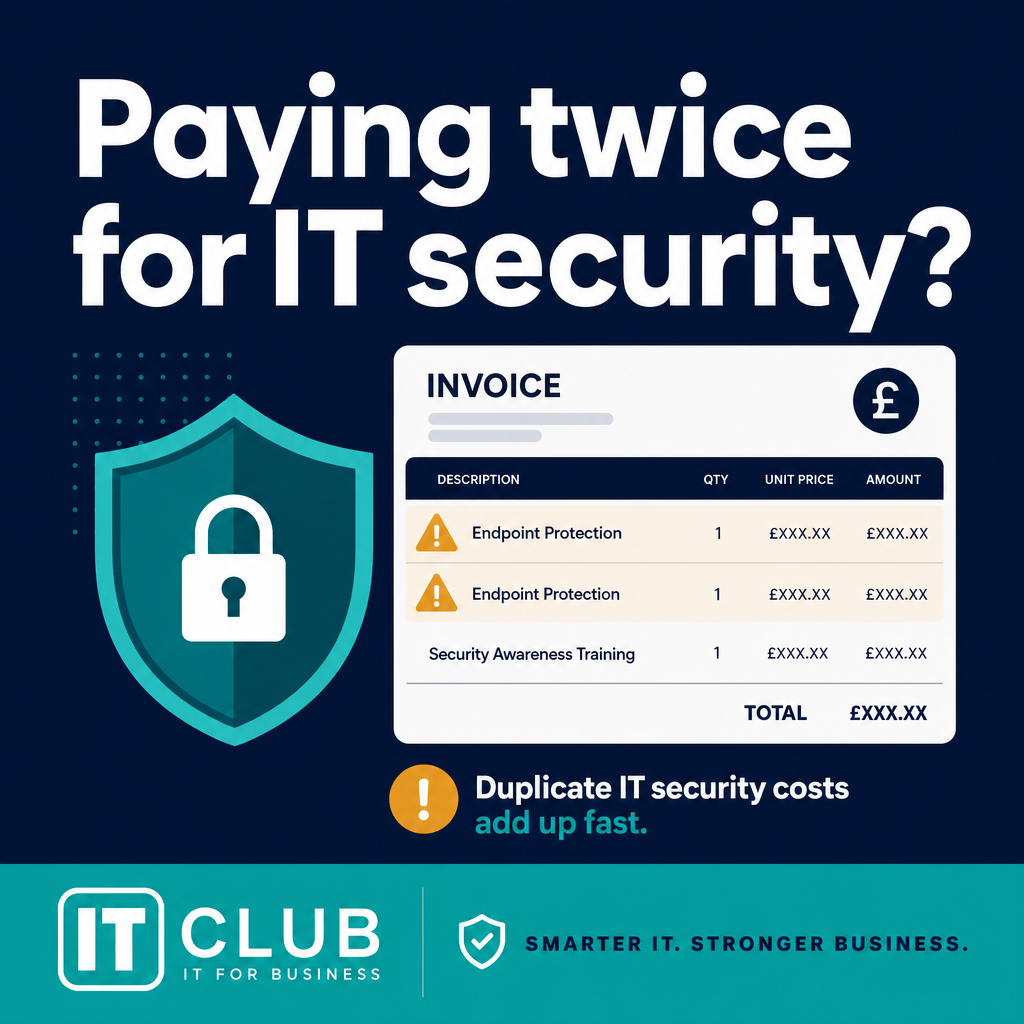
Are You Paying Twice for IT Security You Already Own?
IT Club — Powered by Altitude IT (opens in a new tab)

Keep up with IT Club
Add IT Club as a preferred source in Google Search.
If your business has Microsoft 365 Business Premium, you are already paying for a significant security and device management toolkit. But owning those capabilities is not the same as using them. This article helps business owners review IT bills line by line, ask the right questions about overlapping security products, and confirm that the controls they have already paid for are actually switched on.
The bottom line
Microsoft 365 Business Premium may already include capabilities that overlap with separate security charges, but overlap is not automatically waste. Review each line against the control it provides, how it is configured and who actively manages it.
- Ask what each additional product does that your existing Microsoft licence does not.
- Ask for evidence that the Business Premium controls you already pay for are enabled and monitored.
- Do not remove a security service until the technical coverage, responsibility and transition plan are clear.
Why this matters
The avoidable cost is not only paying twice. It is paying for several tools while nobody owns the configuration, alert handling or coverage gaps. A line-by-line review can expose both duplicated spend and controls that exist on paper but are not delivering protection.
What you should do
- 1List every security-related invoice line and map it to a specific product, control and owner.
- 2Compare the promised coverage with the current Microsoft 365 configuration, Secure Score and device enrolment.
- 3Ask the provider to explain any overlap in plain English, including the operational work included in the charge.
- 4Make changes only after documenting what will replace the coverage and how the result will be checked.
This question has been published anonymously. Details that could identify the person or organisation have been removed.
The question
"We've received a renewal proposal from our IT provider and there seem to be lots of separate monthly charges — support, antivirus, Microsoft 365 Business Premium, DNS protection and backup.
How do we know whether we're genuinely getting extra protection or just paying twice for things we already have?"
This is exactly the sort of IT bill that is worth reviewing line by line.
The first thing to look at is the Microsoft 365 licensing.
If the business already has Microsoft 365 Business Premium, it is not just buying Word, Excel and Outlook. Business Premium includes a substantial security and device management toolkit that many small businesses do not realise they have.
What Microsoft 365 Business Premium Actually Includes
Business Premium licences include capabilities across several security disciplines:
- Microsoft Defender for Business — endpoint protection for Windows and macOS devices managed through the organisation's Microsoft 365 tenancy.
- Microsoft Defender for Office 365 Plan 1 — anti-phishing policies, Safe Attachments and Safe Links for email and collaboration tools.
- Microsoft Intune — device management, compliance policies and mobile device management.
- Microsoft Entra ID P1 — conditional access, identity protection and multi-factor authentication controls.
That does not automatically mean every separate security product on the invoice is unnecessary. There can be legitimate reasons for adding a third-party endpoint security product, a DNS filtering service, a managed detection platform or other security technology — depending on the organisation's risk profile, regulatory environment and how actively those products are being managed.
But for each additional product, the IT provider should be able to explain clearly: what it provides that the existing Microsoft licence does not, why the business needs it, and how they are actively managing and monitoring it.
The Bigger Question: Is Business Premium Actually Configured?
This is arguably more important than the licence price.
Simply purchasing Microsoft 365 Business Premium does not automatically make a business secure. Someone still needs to configure and manage the security controls — and that work does not happen by default.
When reviewing an IT provider arrangement, it is reasonable to ask for evidence that the following controls have actually been implemented and are being actively managed:
- Multi-factor authentication — enabled for all accounts, not just administrators.
- Endpoint protection — Defender for Business enrolled, policies applied and alerts monitored.
- Anti-phishing policies — configured with appropriate thresholds.
- Safe Attachments — scanning enabled for email and SharePoint or OneDrive.
- Safe Links — link protection active in email and Microsoft Teams.
- Device management and compliance — Intune policies applied and device health monitored.
- Conditional access — appropriate identity and access policies in place.
- A recognised Microsoft 365 security baseline — such as the Microsoft Secure Score recommendations or an equivalent.
If those features have not been configured, the business could be paying for premium security capabilities while receiving relatively little benefit from them.
Microsoft Secure Score — available within the Microsoft 365 Defender portal — gives a practical picture of how many of those controls are active and what the highest-priority gaps are. An IT provider managing Business Premium should be able to explain the organisation's current score and what they are doing to improve it.
Other Charges Worth Questioning
It is also worth looking beyond antivirus. Other items on an IT support invoice that may warrant a clear explanation include:
- New computer setup charges when a managed IT support contract already covers device management.
- Delivery charges for equipment being supplied and configured by the same provider.
- Backup costs without a clear explanation of what is being protected, where it is stored and how recovery would work.
- Separate antivirus charges where endpoint protection is already included within the Microsoft licensing.
- Security products whose purpose no one can clearly explain.
- DNS or web filtering services that duplicate functionality available within the existing Microsoft licence.
None of these charges is automatically wrong. There may be perfectly legitimate reasons for each one. The point is that every recurring item should have a clear business or technical purpose — and the IT provider should be able to explain it without hesitation.
One question worth sending your IT provider
"For each recurring security service we are paying for, please explain what it provides, which Microsoft 365 Business Premium capability it supplements or replaces, and how you actively manage and monitor it."
A provider who can answer that question clearly, for every line on the invoice, is doing their job. A provider who cannot is worth pushing further.
What to Check on Your IT Bill
- Microsoft 365 licence level — confirm whether the business has Business Premium or a lower tier such as Business Basic or Business Standard.
- Endpoint security — ask whether Microsoft Defender for Business is enrolled and actively managed, or whether a separate third-party product replaces it.
- Email security — confirm whether Safe Attachments, Safe Links and anti-phishing policies are configured.
- MFA and identity protection — verify that multi-factor authentication is enabled across all accounts and that Conditional Access is in use.
- Device management — check whether Microsoft Intune is deployed and enforcing compliance policies.
- Backup coverage — establish exactly what is being backed up, where it is held, and how recovery works.
- DNS and web filtering — confirm whether a separate product is justified given the filtering capabilities available within Business Premium.
- Duplicate security products — identify any endpoint or email security product that overlaps with a Microsoft licence already in place.
- Hardware setup charges — question whether device setup is already included within the managed support contract.
- What the monthly support fee actually includes — request a written breakdown of what the support contract covers and how response is provided.
The IT Club View
The aim should not simply be to find the cheapest IT provider. Cheap IT that leaves a business inadequately protected is not good value.
Equally, accumulating more and more security products does not automatically make a business safer. Security comes from controls that are correctly configured, actively monitored and appropriately matched to the organisation's actual risk.
A business with Microsoft 365 Business Premium that is fully configured and well managed is likely to be in a significantly stronger position than one with a longer list of overlapping products that no one is actively monitoring.
The questions worth asking are straightforward: What are we paying for? What does our Microsoft licence already include? Which additional products genuinely add something that the licence does not? And are the security controls we have already bought actually switched on?
Better IT is not necessarily about buying more technology. Sometimes it is about properly using what the business is already paying for.
Not sure what you are actually paying for? IT Club helps business owners ask better questions about IT, cyber security and technology.
Related Reading
Choosing an IT Support Company in Manchester: A Buyer’s Guide →
Choosing an IT Support Company in Leeds: A Buyer’s Guide →
Choosing an IT Support Company in Birmingham: A Buyer’s Guide →
Choosing an IT Support Company in Bristol: A Buyer’s Guide →
Choosing an IT Support Company in London: A Buyer’s Guide →
Choosing an IT Support Company in Edinburgh: A Buyer’s Guide →
Choosing an IT Support Company in Sheffield: A Buyer’s Guide →
Choosing an IT Support Company in Glasgow: A Buyer’s Guide →
Choosing an IT Support Company in Cardiff: A Buyer’s Guide →
Choosing an IT Support Company in Newcastle: A Buyer’s Guide →
Choosing an IT Support Company in Nottingham: A Buyer’s Guide →
Microsoft Secure Score: Is Your Microsoft 365 Environment Actually Secure? →
10 Microsoft 365 Features Your Business May Already Be Paying For →
Microsoft Is Retiring SMS and Voice MFA: What Businesses Must Do Before February 2027 →
Good IT Support Isn’t Just Fixing Problems →
Can You Move Microsoft 365 Away from Your Current Provider? →
Cyber Insurance: What Does It Really Protect? →
Missing Important Emails? Do Not Just Weaken the Spam Filter →
Plain-English Takeaway
If your business has Microsoft 365 Business Premium, you are already licensed for substantial endpoint protection, email security, device management and identity controls. The risk is not that additional products are always unnecessary — it is that overlapping products should have a clear technical justification, and that the security features you are already paying for should actually be configured and managed.
Tap to follow The IT Club Channel on WhatsApp.
Related Articles
Can you download all the data from a phone — even if you don’t know the PIN?
A locked phone may hold important evidence, but a complete download is never guaranteed. Learn the careful, lawful next steps before anyone tries to access it.
Read articleWhy has my iPhone screen suddenly turned blue?
A sudden blue tint does not necessarily mean your iPhone screen has failed. Check its Accessibility display settings first.
Read articleHow Do I Get My First Cybersecurity Job When Entry-Level Roles Want Three Years' Experience?
Matheus is changing direction from financial risk management into cybersecurity, but entry-level vacancies keep asking for three years' experience. The answer is not to pretend he has no experience — it is to translate the risk, technical and practical evidence he already has.
Read articleNeed help putting this into practice?
IT Club helps you understand the technology. If you need implementation, support or consultancy, the teams behind IT Club can help.
Altitude IT (opens in a new tab) — IT support, cyber security, Microsoft 365 and technology operations.
Altitude AI (opens in a new tab) — AI discovery, automation, governance and implementation.